
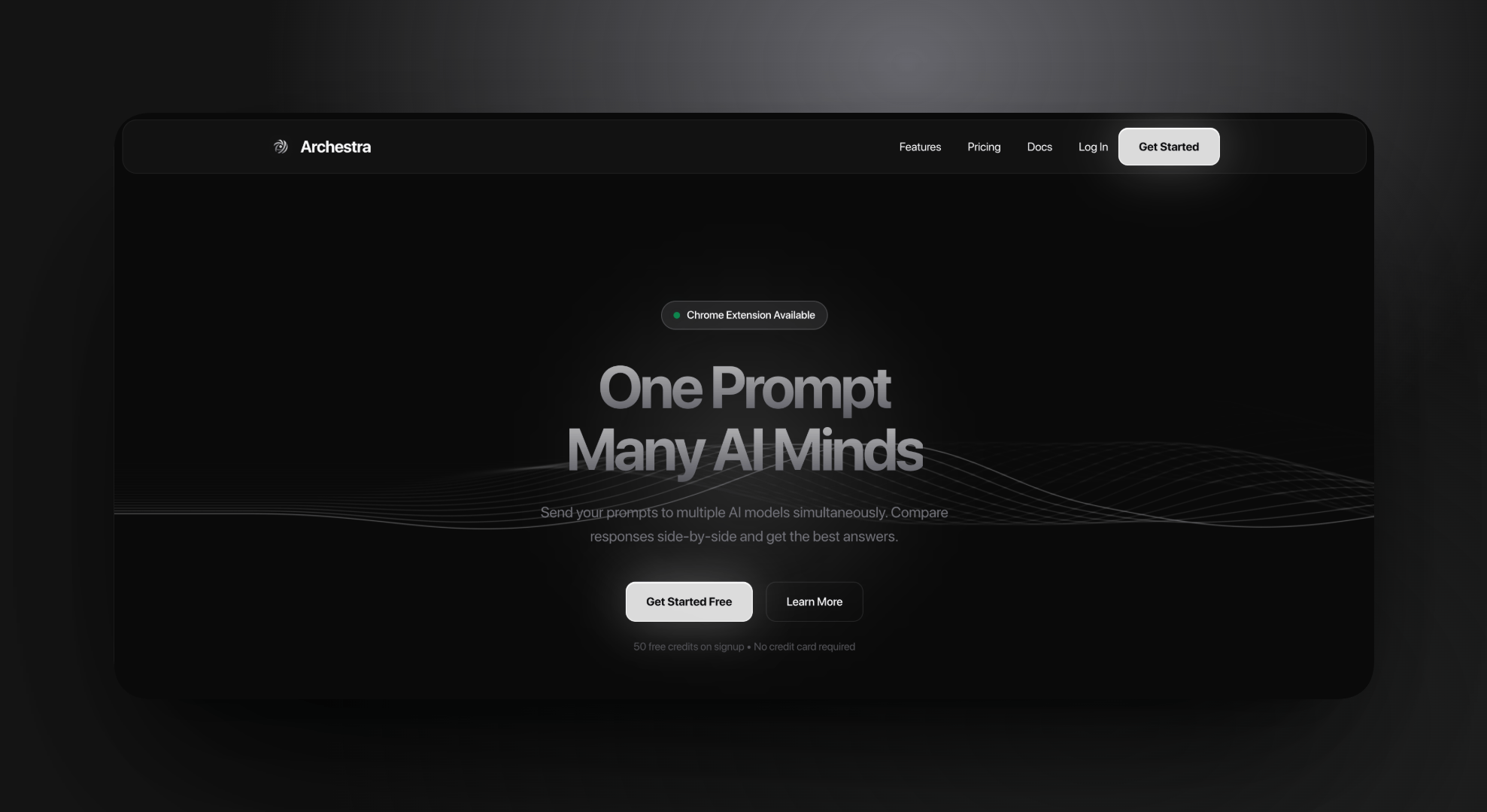
Archestra
Archestra (AI Orchestra)
Orchestrate multiple AI interfaces in parallel
The "Alt-Tab" Fatigue of AI Workflows
Like many developers and researchers, I found myself constantly toggling between ChatGPT, Gemini, and Grok (default). I wasn't just "chatting"—I was cross-referencing logic, comparing code generation styles, and hallucination-checking one model against another.
The workflow was broken. To verify a single prompt, I had to copy-paste it three times, manage three separate tabs, and mentally stitch the results together. I realized the browser wasn't built for this new era of "multi-model" reasoning.
The Real Problem
The problem wasn't access to models; it was orchestration. Users who pay for ChatGPT Plus or Gemini Advanced utilize these tools as specialized consultants. One is better at creative writing, another at data reasoning. Forcing users to interact with them in silos limits their ability to leverage this collective intelligence. I needed a way to bring them into a single command center without breaking the native experience they paid for.
Strategic Decisions & Trade-offs
1. The "Piggyback" Architecture vs. API Wrappers The most obvious technical solution would have been to build a chat interface using the OpenAI and Google APIs.
- The Trap: This would force users to pay twice—once for their monthly subscription and again for my app's API usage tokens. It would also strip away the native features (like canvas, history, or specific UI elements) that these platforms constantly update.
- The Decision: I chose to build a browser extension that orchestrates the native web interfaces. By injecting content scripts to drive the DOM, "Archestra" acts as a conductor. It inputs your prompt into the real ChatGPT and Gemini tabs simultaneously.
- The Trade-off: This largely increased engineering complexity (handling DOM changes, race conditions, and iframe restrictions) but delivered zero marginal cost for the user and preserved their full premium experience.
2. Side Panel vs. Popup Extensions often live in ephemeral popups. I identified that "Comparison" is a deep work state, not a quick interaction.
- The Decision: I utilized the Chrome Side Panel API to create a persistent workspace. This allows the user to browse the web while the AI quintet runs comparisons in the peripheral vision, transforming the browser into a dual-monitor-like experience on a single screen.
Execution
I built Archestra using the WXT framework for robust cross-browser compatibility.
- Unified State Management: Implemented a Zustand store to sync state between the Side Panel command center and multiple background provider tabs.
- Parallel Execution: Designed a "Group" system that broadcasts a single user prompt to all active providers instantly, then visually groups their tabs to keep the workspace clean.
- Privacy-First: Since it runs on the client and utilizes existing sessions, no credentials or chat history ever touch my servers.
Outcome & Growth
Archestra solves the fragmentation problem. It turns a 2-minute "copy-paste-compare" chore into a 5-second single-click action. Building this taught me to look beyond the "easiest" engineering path (APIs) and prioritize the "user-value" path (integration). It required deep empathy for the power user's workflow and a willingness to tackle the messy reality of DOM manipulation to deliver a seamless, cost-effective experience.
Role: End-to-End Developer (Concept to Release)
Starting at: Jan 2026
Tech Stack: React, TypeScript, WXT (Web Extension Framework), Zustand, Chrome Extension API